

SansAlpha [PicoCTF]
· 2 min read · 385 words
Description:
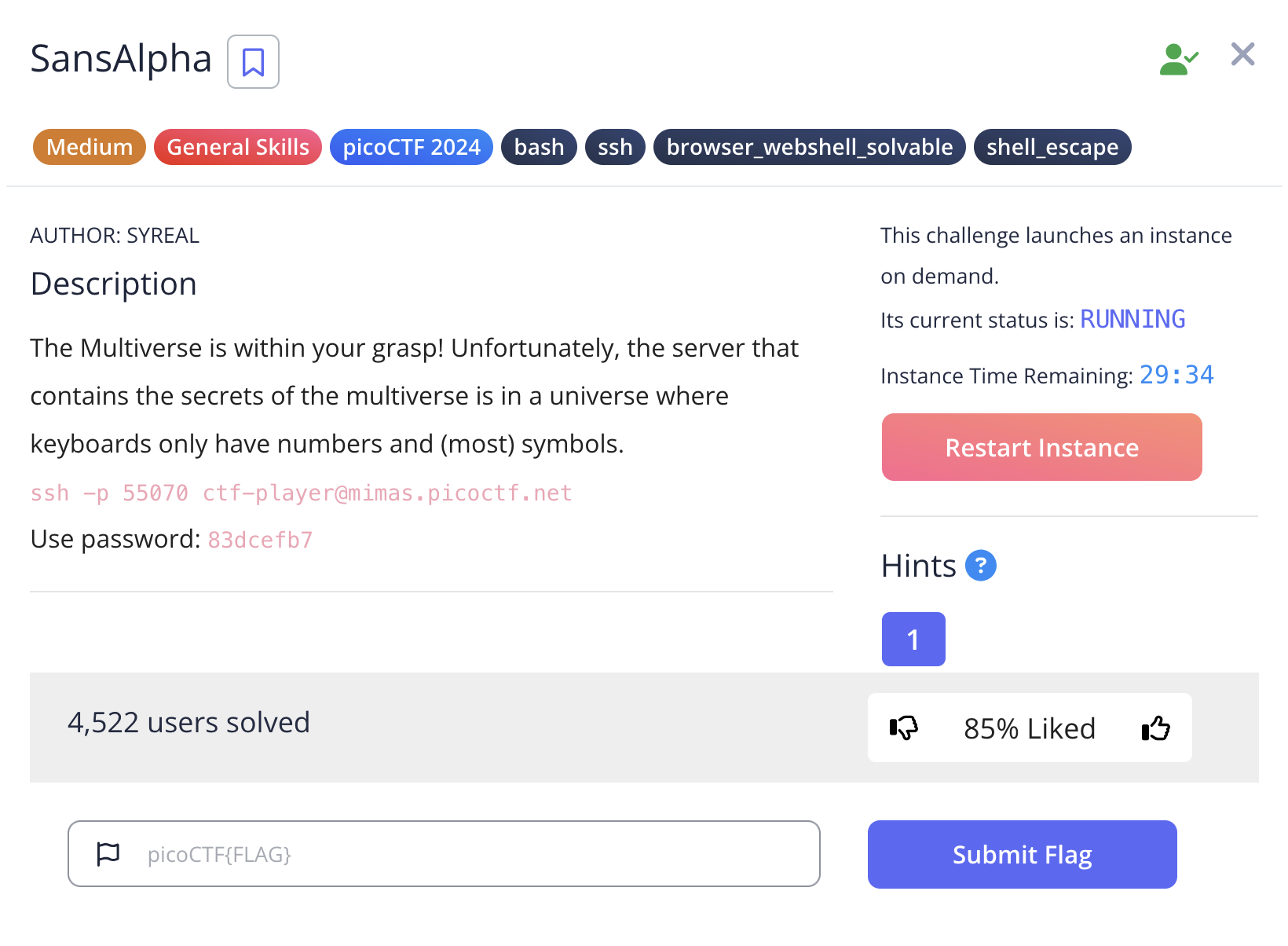
The Multiverse is within your grasp! Unfortunately, the server that contains the secrets of the multiverse is in a universe where keyboards only have numbers and (most) symbols.
Additional details will be available after launching your challenge instance.
Solution:
Let’s start the challenge by logging into the SSH credentials.
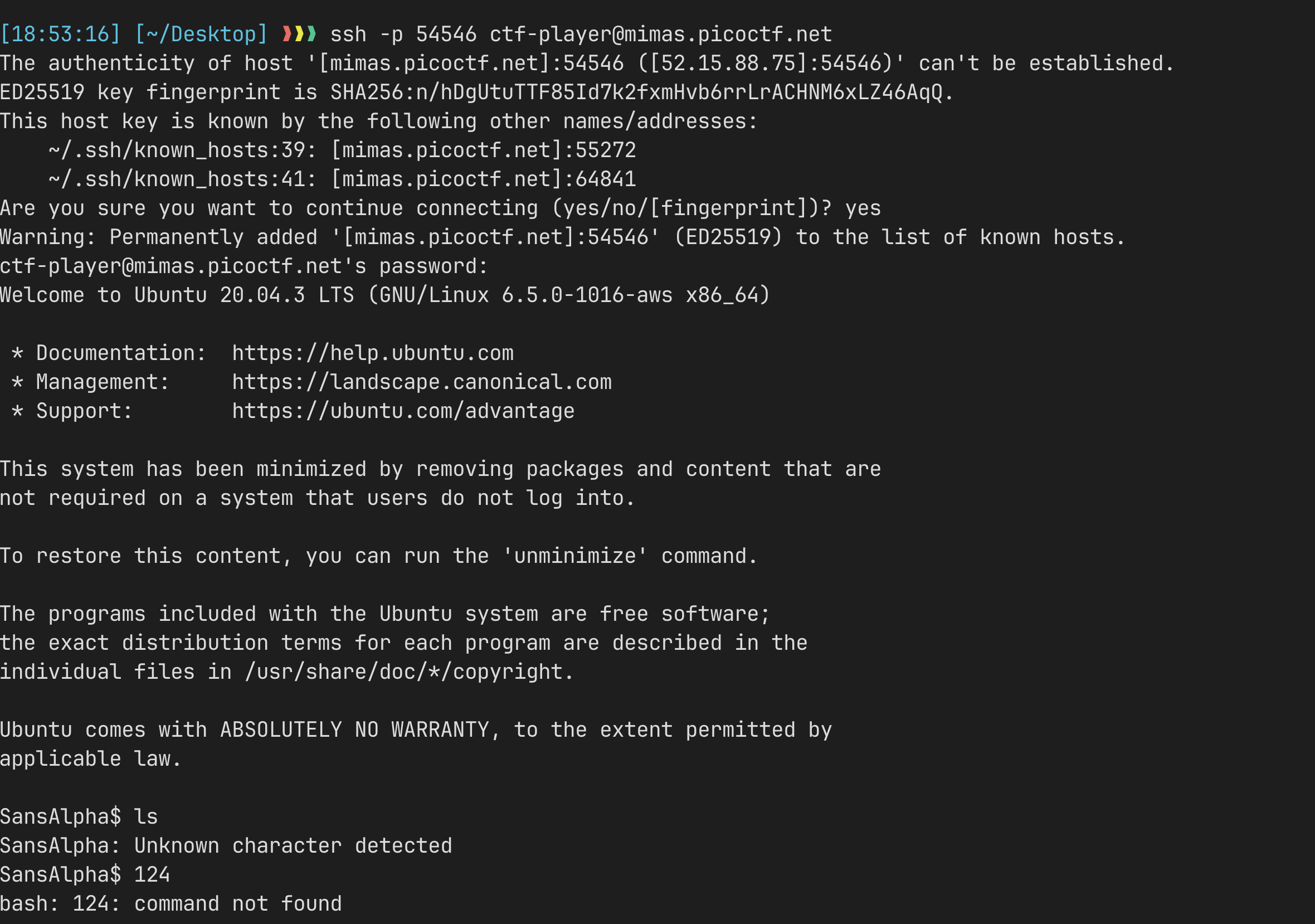
Right after logging in, I discovered that any sort of alphabets and \ are filtered, and we are restricted to numbers and special characters only.
Thanks to creative solvers out there, I was able to solve this challenge.
To solve this challenge, we need to understand some wildcard syntax in shells.
There are 6 types of basic wildcards available for bash:
| Wildcard | Description | Example | Matches |
|---|---|---|---|
* | Matches any number of characters (including zero) | *.txt | file.txt, document.txt, a.txt |
? | Matches exactly one character | file?.txt | file1.txt, filea.txt, but not file.txt |
[...] | Matches any one character in the brackets | file[123].txt | file1.txt, file2.txt, file3.txt |
[!...] | Matches any one character NOT in the brackets | file[!123].txt | filea.txt, fileb.txt, but not file1.txt |
{...} | Matches any of the comma-separated patterns | file{1,2,3}.txt | file1.txt, file2.txt, file3.txt |
\ | Used to protect a subsequent special character | *.txt | *.txt (literal asterisk, not wildcard) |
For more info visit:
With this knowledge, I tried to discover the file structure. When I inputted *, which should expand into every folder in the current directory, I got:
SansAlpha$ *
bash: blargh: command not found
So we have a folder named blargh. I then tried */* and got:
SansAlpha$ */*
bash: blargh/flag.txt: Permission denied
So we are not allowed to look into the file yet. I had to explore the machine to look for something useful. I tried using the ? wildcard:
SansAlpha$ /?
bash: /?: No such file or directory

SansAlpha$ /??
bash: /??: No such file or directory

SansAlpha$ /???
bash: /bin: Is a directory

SansAlpha$ /????
bash: /boot: Is a directory

SansAlpha$ /?????
bash: /lib32: Is a directory

SansAlpha$ /??????
bash: /libx32: Is a directory
So I looked into the /bin directory because it contains most of the binaries. After exploring what binaries we have, I found nothing more interesting than /bin/base64.
So I tried to call /bin/base64 /blargh/flag.txt hoping it would return the base64 encoded version of the flag.
/???/????64 */????.???And the server returned this:
SansAlpha$ /???/????64 */????.???
/bin/base64: extra operand '/bin/x86_64'
Try '/bin/base64 --help' for more information.
Coincidentally, our pattern also matches /bin/x86_64, so I tried to exclude it using the negation character class:
/???/???[!_]64 */????.???With this, we get the base64 encoded flag, which can be decoded as follows:
echo "encoded_flag" | base64 -dAnd therefore we get the flag!